- Log onto www.chorltonplayers.com using an administrator-level account.
- Click the WordPress (
 ) icon to display the sidebar.
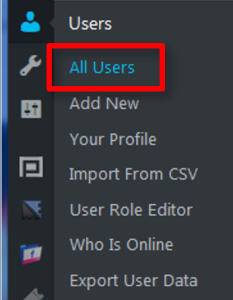
- Select Users -> All Users.
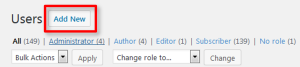
- Click the Add New button.
- Copy the user’s email address and paste it into the Password field (overwriting the automatically generated one).
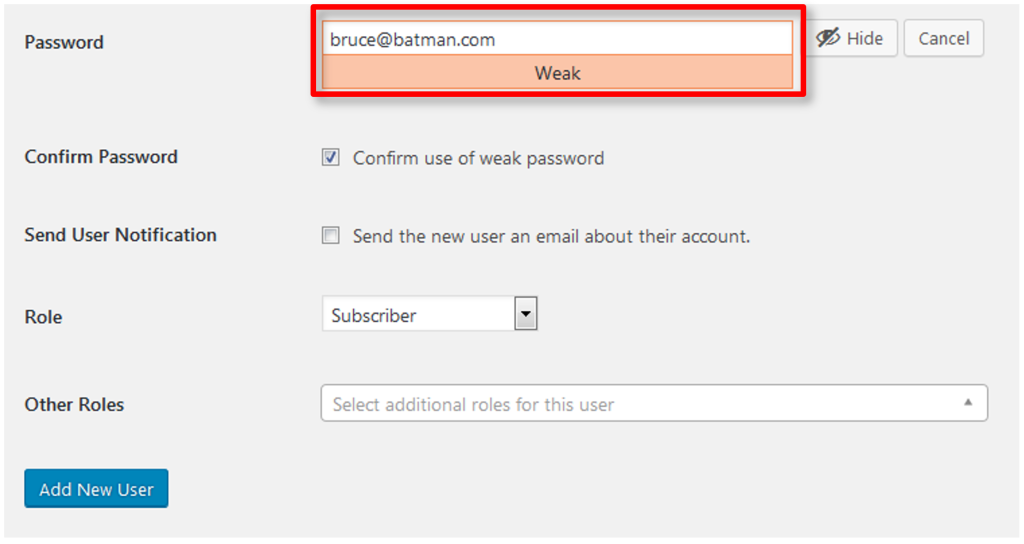
- If the password strength indicator says Weak, you will also need to tick the box labelled Confirm use of weak password.
- Uncheck the box labelled Send the new user an email about their account.
- Click the Add New User button.
- After the account has been created, verify you can login with its username and password.
- If you are able to login, email the username and password to the new member.